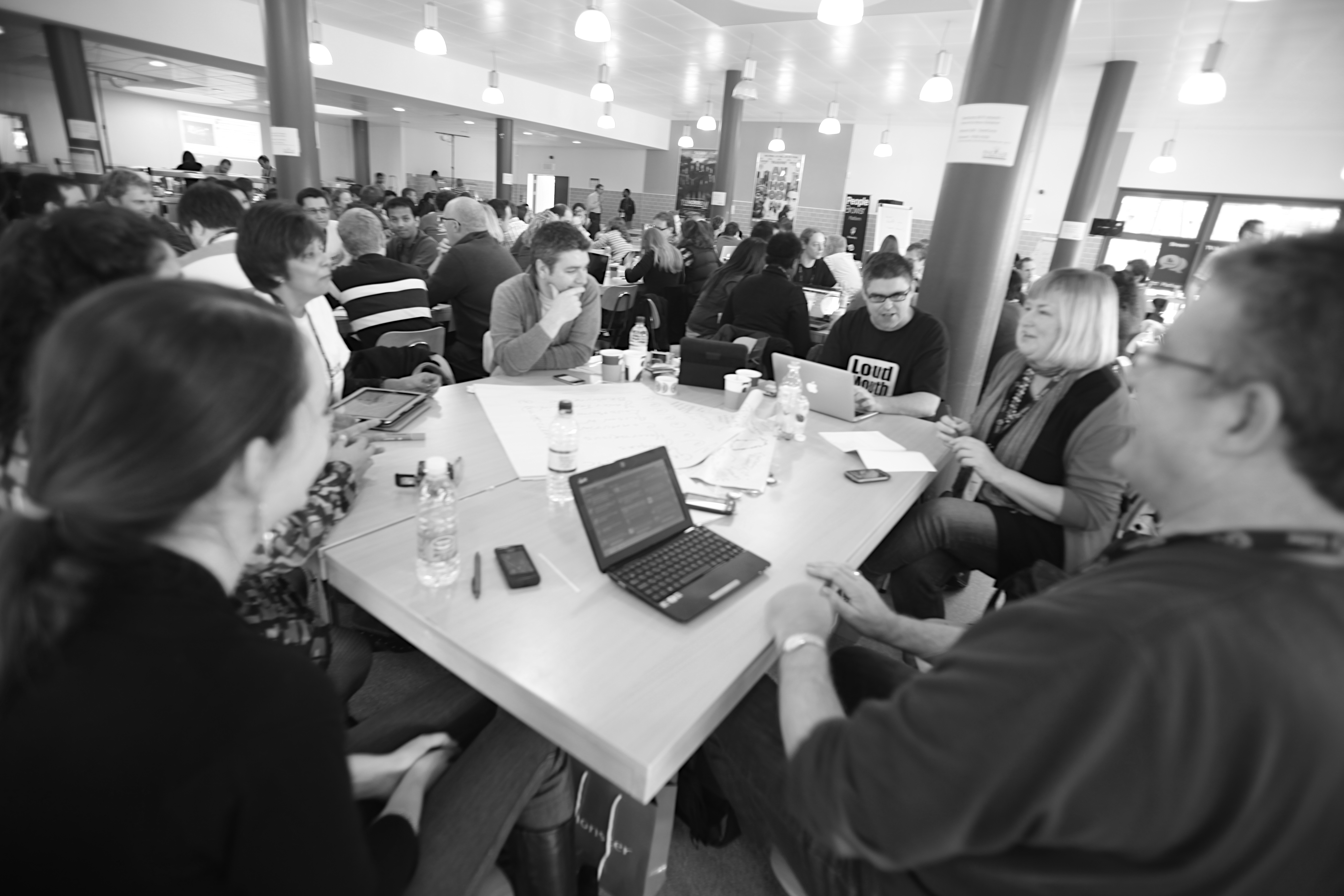
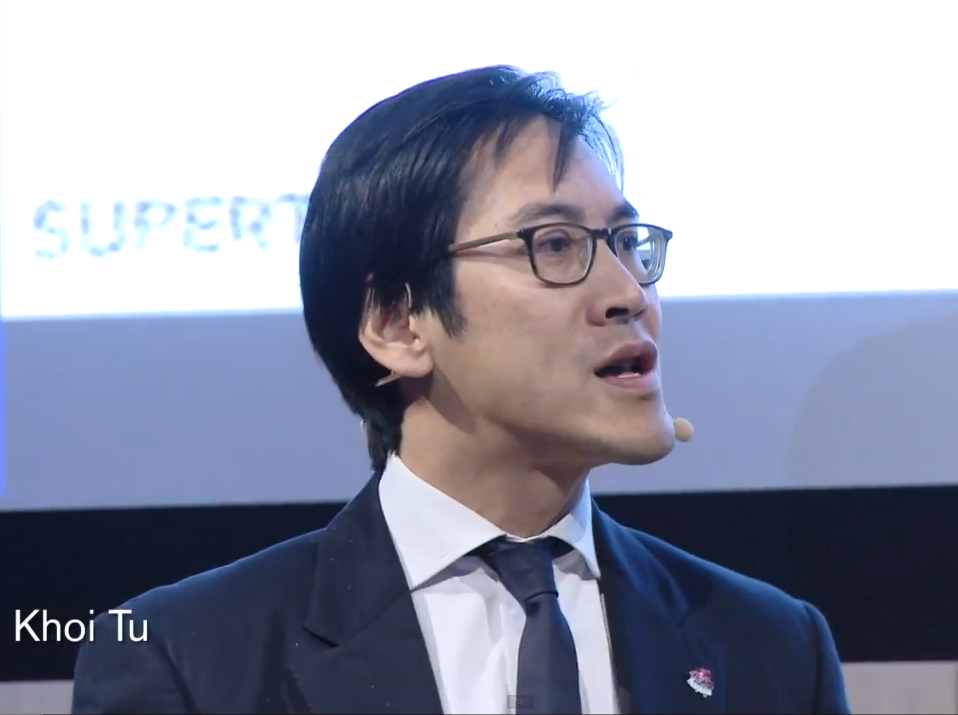
Thursday’s Being-Social Mashup event turned into a focal point for recent thinking and discussion. I chaired a panel on “How Social Media is changing the way we communicate” with Andrew Davis, Chris Thorpe, Jamie Riddell and David Cushman. Of course, within that is the assumption it is changing communication (thanks to Mat Morrison for that question).
The general consensus was that we do communicate differently. Comms are more direct and real-time, and more public and discoverable too. It is also, arguably, more cautious because of that.
Milestone Planner gives us an unusual perspective, sitting both within businesses and across them. Early on we saw a pattern that the best external users of Web 2.0 and social media were also the best internet uses – or visa versa. It’s something that Lee Bryant of Headshift talked about at Being-Social, and has blogged about as well: Social on the outside needs social on the inside. Effective communication is as much a cultural thing as a technological one. Of course the right tools help, and can accelerate the cultural change – I guess we would say that wouldn’t we! Here’s what Lee has to say:
So, where does a business start? The good thing about Web 2.0 technology is that the adoption can be rapid. We’ve watched Milestone Planner spread through an organisation in a matter of hours. In the words of a number of Web 2.0 advocates: Forget the pilot, go for it.
Communication (and software) that spreads via people’s social networks moves fast. Being a really social business let’s you harness that to positive effect.
The week started with a major update to Milestone Planner that gives a taste of where we are heading. There are lots of new features, and it’s been fun to hear how people are using them already. I’m not going to list them all, but I will pick out a few of the big ones:
Edit milestones – no more pop up box! Just click the title to change it. Click the Milestone ‘triangle’ to pop up the status chooser and select red, yellow, green or blue (completed) – or delete the milestone. It’s whizzy, you’ve got to try it!
See the owner – click on the person icon and choose an owner for the milestone. Type a name, and click ‘invite’ to bring them into the project. If you hover over the milestone owners’s name, any milestones belonging to that person will glow. You might want to zoom right out on the timeline for the best effect!
Scroll Wheel Support – for those of you with mouse wheels and track pads, you can scroll up and down using them.
A Greater Sense of History
The biggest change has been to how “history” is handled. When you hover a mouse over a milestone, it will reveal the when the milestone was last updated, and what the most recent change to the milestone was – with little icons for date, owner, text update, etc – and who may the update. If you click on the “Show history” pull down, you can see more of the change history:
In the Standard Edition of Milestone Planner, you have the last few changes, in the Professional Edition you have access to the full history since the milestone was created. You’ll notice the history isn’t just what happened to the milestone (created, slipped, status change, …), it can include an explanation or comment as well.
Whenever you update a milestone, the history box will pop up and ask you for a comment. It is optional, but sometimes it is helpful to add an explanation. For example, if I slip a milestone back 5 days I might want to add a note to explain that it will be late because Dave has been stuck at home in the snow. You can also add a URL into a note, for example linking to a relevant document or an image. The link will be hyperlinked in the history view.
Conversations Around Milestones
As you see, your team can now have conversations around any milestone, interwoven with the changes to it. The conversation is kept in one place, so everyone working on the milestone can see who and what is being affected by what they are working towards. This makes it much easier to distribute the management of the project, but ensure that things still remain on track. Even users with standard access to a project (who can’t add or move milestones) can add comments.
Q: If you gave an infinite number of monkeys an infinite amount of time, would they reproduce the works of Shakespeare ? A: Now we have the blogosphere, we know that they won’t.
The Internet, or more specifically the Web that runs on top of it, has given hundreds of millions of people the ability to share ideas and thoughts with each other. We are seeing what that means in the public, consumer space, but what does it mean for businesses?
The panel was presented with a series of questions, followed by a Q&A with the audience, then a vote on the question – a kind of wireless quiz show for grown ups. I’ll go through the questions, with points from the panel that struck me, and a few points from my own perspective.
Does online social networking during office hours waste valuable working time?
This one is almost an old chestnut. Euan pointed out that we focus on social networking and social media, but don’t question other wastes of time like meetings that don’t come to a conclusion, or time spent writing unused reports. Then there’s the motivation problem, as Suw put it, if employees are wasting time on Facebook, you don’t have a social networking problem, you have an employee engagement problem.
Luis made the business case for social tools in the workplace: What about wasting time trying to find the right expert? He said that in IBM they found that it could take 2-3 hours. With social networks, they are able to find the right expert in less than 5 mins.
The questions from the floor were pretty supportive of social networking. I actually voted “yes” to the question, simply because the tools are used to waste time – there are employees who will make recreational use of social networking. That doesn’t mean that it should be banned or that the tools are a waste of time, rather that employee engagement should be looked at, and people taught how to use the tools professionally and productively.
Vote Result: 83 Votes with 47% Yes / 53% No.
Is email the best way to share information and ideas?
Luis obviously had a view on this one (Luis / @elsua is most famous for having spent two years working almost totally without email). He made the point that if you reply to emails, you only get more. He went on holiday and had only 4 emails when he came back. That sounds wonderful to me! Suw talked about the ‘interruption’ cost of email – after that ‘bing’ goes off, how long does it take to get back into flow state? We end up like little skinner rats, pressing on the lever (checking email) to see if something nice will have arrived for us with each press of the ‘check button’.
Email is seen as a proxy for productivity – if you get and send lots of email you must be busy – and Suw talked about how email is used by people to cover their rears. Euan argued that it is about self preservation – you need to learn to let things go.
Ask “do I really need to send this email?” – there may be a better way of doing it… …the more I hang out in email the less I get done for myself
Luis
I know from data collected for the Continued Communication research project that only a tiny percentage of users consciously choose what communications channel they use – people generally respond through the channel that a message was received by: calls with calls, emails with emails. This is one of the reasons we are building tools to keep people out of their inboxes. People prefer to use email, as they perceive it to “not disturb the other person”.
If companies allowed employees to “self-organize” would nothing ever get done?
A wonderfully provocative question, with suitably robust answers from the panel:
“It is not a situation of will anything get done, it is a question of when can we do this across the whole organisation?” @Elsua
Luis painted a very clear picture of how knowledge management is transforming the work place, while Jemima cited the example of The Tuttle Club as a self-organising collective. Suw pointed out that small groups can self-organise easily, large ones cannot. In the end the panel and the audience made a compelling argument against a yes/no answer – it seems to be a matter of individual, role and extent. Euan raised the topic up another level, asking if organisations are tolerant enough of failure?.. One of the characteristics of long-lived organisations is tolerance.
In the end the Vote Result: 80% no, 20% yes, but with quite a lot more abstentions than the other votes!
I think there were a few moments when the audience and the questions got themselves confused between yes’, no’s and double negatives, but it made for a vibrant debate, touching on the many issues that need to be thought through. Biased as I am (I’m featured in the book), I would highly encourage you to grab yourself a copy. Jemima’s writing style is wonderfully engaging and you’ll hear opinions from a broad selection of those active in the space, including Tim O’Reilly of all things Web 2.0 , JP Rangaswami of BT and Lee Bryant of Headshift.
One of the problems Milestone Planner sets out to address is the traditional bottleneck that happens in project management: Someone ‘owns’ the plan, and every-time there is an update, that person has to be contacted, update the plan and push a new version out. Or, as is more often the case, the owner of the plan is left chasing people for updates. The result is people living with a permanently out of date plan, and chasing each over via phone and email. That’s no way to run a business. Time for one of Jim’s cartoons…
The hub model has the appearance of a safe, controlled, well-managed process. The reality is that it leads to people making decisions on in-accurate information, and at the speed of one bottle neck. Of course, there is a different way to do things.
The mesh model is peer-to-peer. Anyone can interact directly with anyone else. In the case of Milestone Planner, this means that anyone in the project team can go and update their milestone directly, and see the most up to date version of the plan. No trawling through emails or folders trying to find the latest-latest version.
It is a person-to-person form of management and communication (something that Scott Gould of Likeminds is blogging a fair bit about – Becoming P2P), and based on an “adult-adult” communication model, rather than the less productive “adult-child” one that so often accompanies the hub/star model. We’re aiming to make Milestone planner a grown up tool, for grown up people.